
Client project management with scope and delivery approval
Plan and deliver client work in Backlog, Ready, In progress, Client review and Done, with version-specific client review.
Generate once, keep the execution history
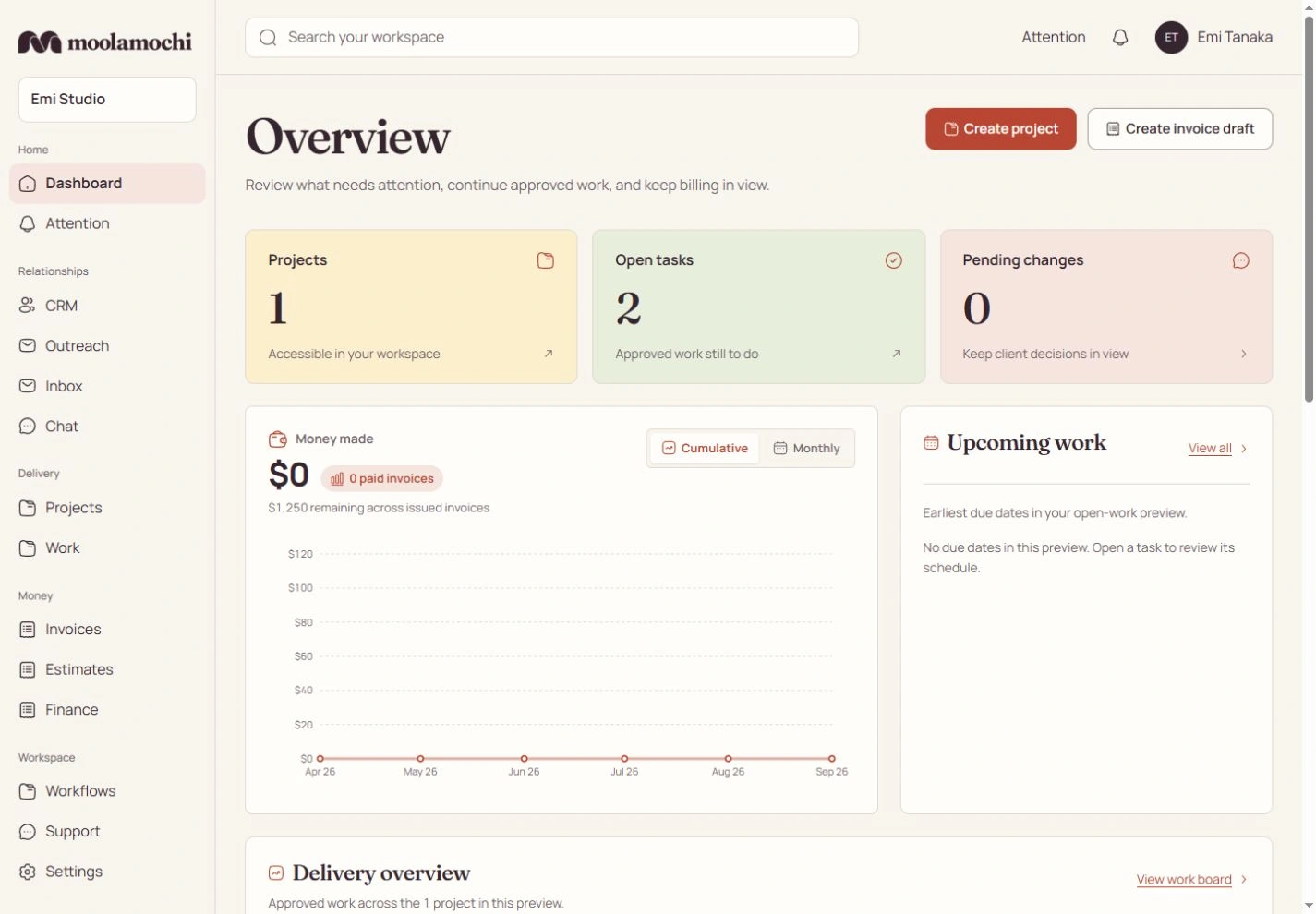
Select saved service scope, preview the work and confirm generation. Repeating that action opens existing work without resetting assignments, time or comments. Saving an estimate, collecting payment or adding an expense never generates delivery work on its own.
See progress against the whole agreement
Completed planned effort divided by active approved leaf effort gives approved-scope progress. A filter changes what is on screen, not the denominator. Parents roll up their leaves; blocked is a flag with a reason rather than an extra board stage. Time tracking measures actual effort separately.
Progress follows approved effort, not money.
- While a request waits
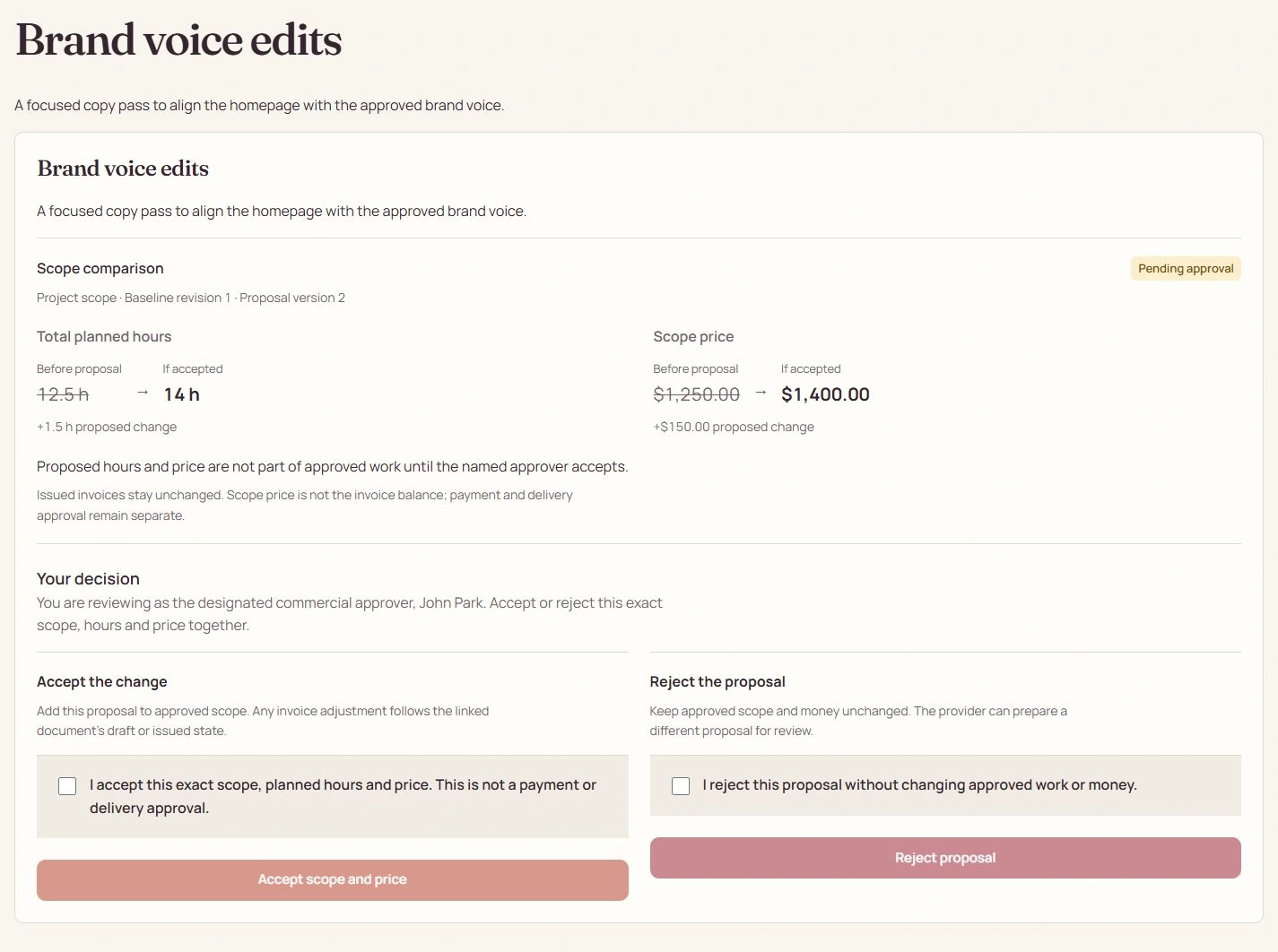
- The project stays at 8.5 of 12.5 hours complete: 68%. A proposal changes neither amount nor progress.
- After the addition is approved
- The new 1.5-hour Backlog leaf makes 14 approved hours. The same 8.5 completed hours now represent 61%.
- After the new work is approved
- 10 of 14 hours are complete: 71%. Paying an invoice cannot move that percentage.
Publish precisely what the client should review
Choose a deliverable version and the eligible work it covers, then request client review. The client sees its published description and files, not your private subtasks, costs or notes. A revision request records feedback; out-of-agreement work still needs a commercial proposal. Superseded versions cannot receive current approval.
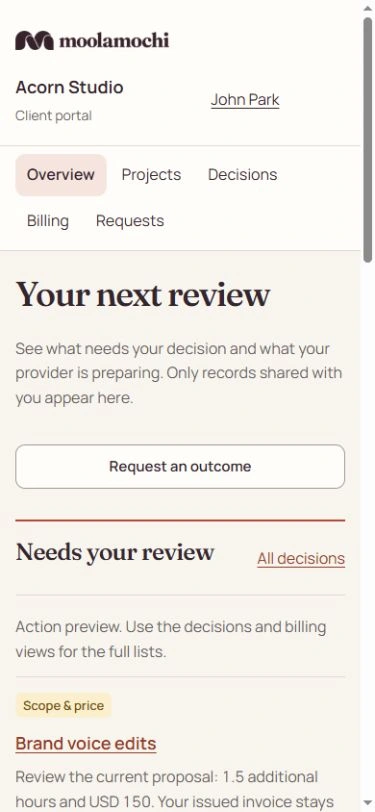
Open the full-size image to inspect the controls. Your available actions depend on the record’s state and your explicit permissions.
See the steps before you act.
Watch a silent recording of the actual interface, with captions and written steps.
Open the complete Help Center guideWatch the walkthrough and read the steps
Review payment, scope and delivery separately
Who acts: Payer, commercial approver and delivery approver use their own grants
Follow the action you are authorized to take without treating a receipt as acceptance of the work.
Go straight to the steps
Playback and accessibility
Use Play or Pause, move back or forward 10 seconds, or restart from the title screen. Tab to a button, then press Enter or Space. Action captions are included in the video, and the complete written steps follow below.
Download the action captionsGo straight to the written stepsReview narrow document-only access
The recording expands the original invoice’s document-only sharing review without creating a link. Such a link is limited to its invoice and permitted payment, document and receipt actions; it cannot grant project, commercial-approval or delivery-approval access.
Inspect pending payment settlement
Scroll to Merchant settlement in Processing payment. There is no verified receipt or ready transfer. In production, wait for the verified provider result: Processing or Confirming is not Paid. Payment reduces the balance, but does not generate tasks or approve a proposal.
Review commercial consent separately
The recording checks the current proposal’s acceptance confirmation and shows Accept scope and price becoming available, without submitting. Only the designated commercial approver can decide. Compare scope, planned hours, price, baseline and version; Reject proposal needs its own confirmation. Neither action is a payment or delivery approval.
Prepare exact-version revision feedback
The recording types precise mobile-heading revision feedback for the published deliverable, without sending a decision. The delivery approver reviews the exact shared version before approving its eligible covered work or requesting revision. Feedback does not silently increase the agreed price.
What changes when you finish
A document can be paid while delivery is still in review. Only the authorized current-version decisions change scope or delivery.